Tools & Technology · workflow guide
AI Storyboard Generator: Turn Your Screenplay Into a Shot Plan
Use an AI storyboard generator to turn screenplay scenes into clear, consistent shot plans—without letting pretty pictures take over the movie.
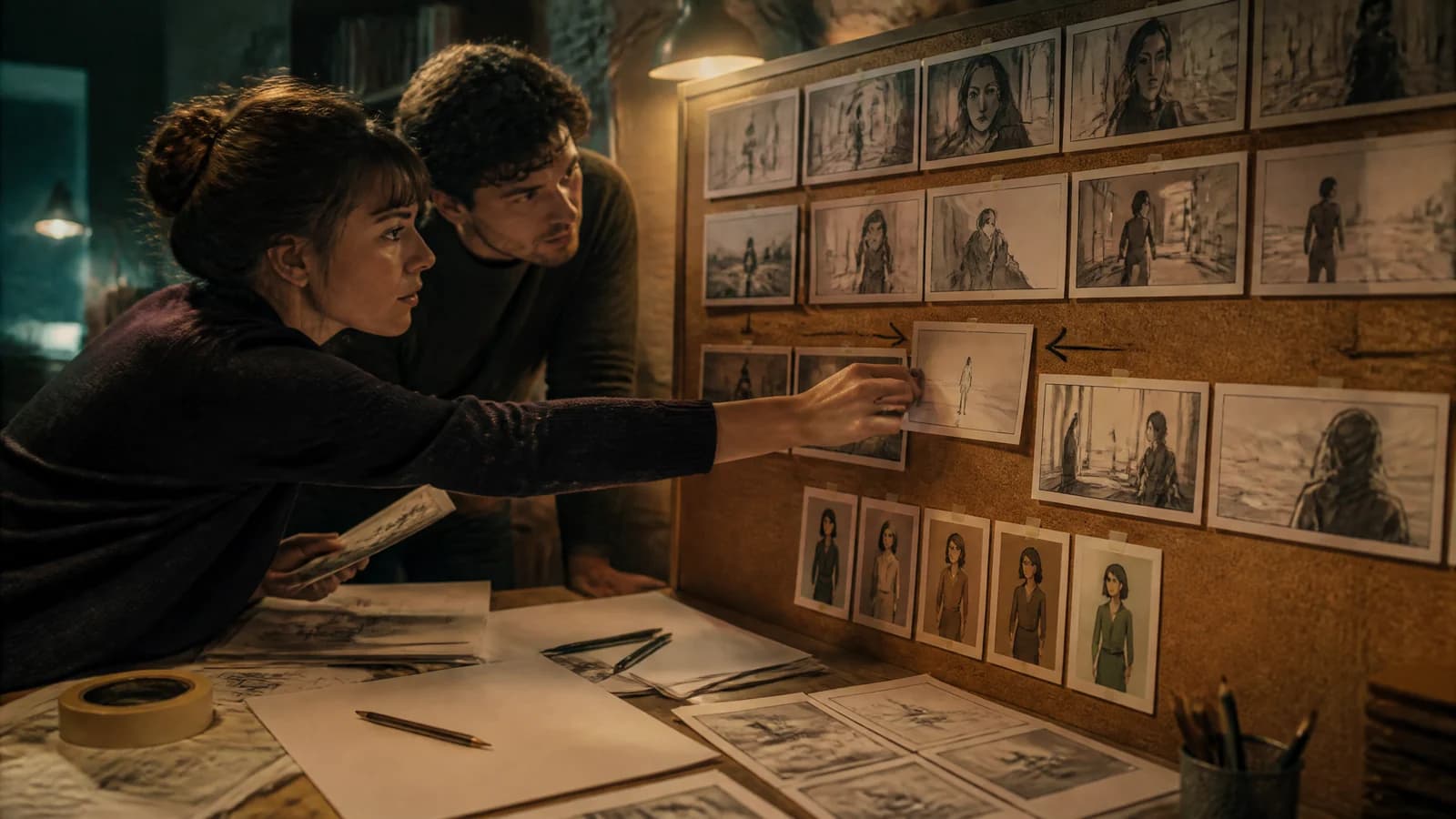
An AI storyboard generator can turn one page of screenplay into twelve beautiful images before you have finished deciding where the camera belongs.
This is impressive. It is also how you end up with twelve expensive opinions and no scene.
The best way to make an AI storyboard from a script is to break one scene into story beats, assign each planned shot one dramatic job, generate a rough sequence, lock character and location references, then convert the approved board into a practical shot list or animatic. Use AI to make choices visible—not to make the choices for you.
The real deliverable is not a wall of handsome frames. It is a sequence your director, cinematographer, editor or future sleep-deprived self can actually use.
The AI storyboarding workflow at a glance
- Choose one scene with a visible turn.
- Reduce it to three to seven story beats.
- Build a shot card for every necessary image.
- Generate an intentionally rough story pass.
- Cut redundant panels before polishing anything.
- Create reusable character, prop and location references.
- Regenerate the continuity pass shot by shot.
- Test the sequence as a timed animatic.
- Convert the approved frames into a production shot list.
- Keep the screenplay, decisions and generation history together.
Current tools can put generated images, uploaded references and video experiments on the same collaborative canvas. Adobe now presents a dedicated AI Storyboard Generator inside Firefly Boards; its documentation describes a place to develop storyboards and pitch materials, apply style or composition references, and share boards with collaborators in real time (Adobe Firefly Boards). The machinery is getting friendlier. The directing problem remains gloriously stubborn.
First: know what an AI storyboard is supposed to do
A storyboard is a sequence of images that shows how a scene may unfold shot by shot. It helps a team discuss framing, blocking, visual emphasis and the order in which information reaches the audience. It can be a stack of polished paintings. It can also be six rectangles containing heroic stick figures.
Clarity wins.
Storyboard artist Kevin Mellon puts the standard neatly: a board works if it communicates information and emotion, even when the drawings are crude (Adobe’s storyboarding guide). That is especially useful advice around generative images, which can seduce you into judging skin texture while the scene’s geography quietly leaves through a side door.
An AI storyboard generator is good at:
- producing several visual approaches quickly;
- testing framing, palette and location ideas;
- helping non-drawers make a sequence discussable;
- exploring coverage before a shoot or video generation pass; and
- revealing where the screenplay is visually vague.
It is unreliable at:
- remembering which hand holds the key;
- preserving screen direction across unrelated generations;
- understanding which reaction changes the scene;
- distinguishing an essential shot from an attractive duplicate; and
- respecting your budget unless you make the budget part of the plan.
Treat it like a very fast concept artist who has not attended the production meeting.
Storyboard, shot list and animatic are three different jobs
These documents travel together, but they are not interchangeable.
| Tool | What it answers | What belongs in it |
|---|---|---|
| Storyboard | What will the audience see, and in what order? | Composition, blocking, visual focus, screen direction |
| Shot list | What must the crew capture? | Shot number, setup, movement, lens idea, sound, props, schedule notes |
| Animatic | How does the sequence feel in time? | Ordered frames, rough duration, temp dialogue, sound and transitions |
StudioBinder’s storyboard and shot-list comparison makes the practical split: the board visualizes the shots, while the list carries more technical and logistical detail. The animatic then exposes the missing ingredient—time.
Do not ask one artifact to do all three jobs. A gorgeous board may be useless on set because nobody recorded the required prop or camera move. A comprehensive shot list may still hide an eyeline disaster. A sequence that reads clearly on a wall may feel glacial once each frame sits on screen for four seconds.
1. Choose the scene that deserves a board
Do not feed a 108-page feature into a tool and request “the storyboard.” Begin with a scene that contains a decision, reveal, physical problem or shift in power.
Try this original scene:
INT. CLOSED AQUARIUM - NIGHT

Mara finds a wet footprint beside the empty shark tank.
Her brother raises both hands. The stolen key is in his teeth.
The service door begins to open behind him.
The scene is short, but it has useful pressure: discovery, comic recognition and approaching danger. We can see the key information. We can test geography. We can make choices about when the audience notices the door.
Write the scene’s turn before planning a shot:
Mara enters expecting an empty building and leaves knowing her reckless brother is not the biggest threat inside it.
If you cannot state what changes, storyboarding may only laminate the uncertainty. Run the scene through the questions in our screenplay mistakes checklist: who drives the beat, what escalates and why does this moment have to exist?
2. Break the scene into audience beats—not sentences
A screenplay page is not a menu where every sentence orders one image.
Break the aquarium moment by audience experience:
- Orientation: Mara enters a dark public space alone.
- Evidence: she notices the wet footprint.
- Recognition: her brother is present and has the key.
- Threat: the door opens behind him.
- Choice: Mara must warn him without revealing herself.
Now ask what the audience must see for each beat. Perhaps the empty tank and tiny figure of Mara belong in one wide. The footprint earns an insert because it changes her behavior. The brother and key can share a medium reveal. The opening door may appear in the background of Mara’s close-up before she notices it.
That is four shots doing five beats of work. Efficient scenes often let one composition change meaning rather than cutting every time a noun appears.
3. Give every frame a shot card
Before prompting, fill out a compact instruction card. This is the unit that stops your board from becoming decorative soup.
| Shot-card field | Aquarium example |
|---|---|
| Story job | Reveal that Mara is not alone |
| Audience knows before | The building appears empty |
| Audience knows after | Her brother has broken in and stolen the key |
| Framing | Medium-wide through curved aquarium glass |
| Visible action | Brother slowly raises his hands |
| Emotional focus | Mara’s disbelief, his guilty confidence |
| Continuity anchors | Yellow raincoat, brass key, blue maintenance light |
| Exit condition | Cut when Mara sees the key |
The exit condition is the useful oddball. It identifies the instant the shot has finished its dramatic job. Without it, people tend to plan images instead of edits.
Use one primary action per frame. If the prompt asks Mara to cross the hall, notice a footprint, turn, find her brother, register the key and react to a moving door, the model is not storyboarding. It is being handed a small nervous breakdown.
4. Generate the ugly story pass first
Your first pass should answer only three questions:
- Can I follow the geography?
- Does the information arrive in the right order?
- Does the framing express the changing power?
Choose a plain visual treatment: monochrome sketch, charcoal board, loose marker or simple cinematic thumbnails. Keep the character descriptions functional. Do not spend twenty generations perfecting freckles that will disappear when the whole frame is the size of a playing card.
A useful prompt structure is:
[shot size and angle] + [subject] + [one visible action] +
[specific environment] + [story emphasis] + [simple board style]
For example:
Medium-wide view through curved aquarium glass. A young man in a yellow
raincoat slowly raises both hands while a small brass key remains between
his teeth. Empty shark tank, blue maintenance light, guilty comic tension.
Loose monochrome storyboard sketch, clear silhouette and blocking.
Notice what is missing: seventeen cinematography adjectives, four artists’ names and a paragraph begging the image to become “award-winning.” A storyboard prompt should reduce ambiguity, not perform a séance for prestige.
5. Edit the board before improving the images
Arrange the rough frames in story order. Then become merciless.
Cover each panel and ask whether the sequence still communicates the beat. If yes, that panel may be optional coverage rather than an essential shot. Label it honestly. Optional shots have a strange habit of becoming mandatory at 2 a.m. when nobody remembers why they were invented.
Run four tests:
The geography test
Can a new viewer draw the rough positions of characters, door and tank? If not, add or change an orienting shot. Do not solve geography with a caption the audience will never see.
The eye test
Where does your eye land first in each frame? That subject should usually carry the beat. If the glowing jellyfish exhibit steals attention during Mara’s discovery, the generator has made a lovely tourism image and a weak storyboard.
The cut test
Does each new frame add information, alter emotion or change scale for a reason? Two handsome medium shots with the same dramatic value are one shot wearing a fake mustache.
The production test
Could you capture this composition with the intended location, cast and equipment? Storyboards can explore ambitious options, but the eventual plan must acknowledge walls, daylight, stunt safety and the fact that your apartment does not contain an ocean tunnel.
6. Build the continuity kit
Only after the story pass works should you chase visual consistency.
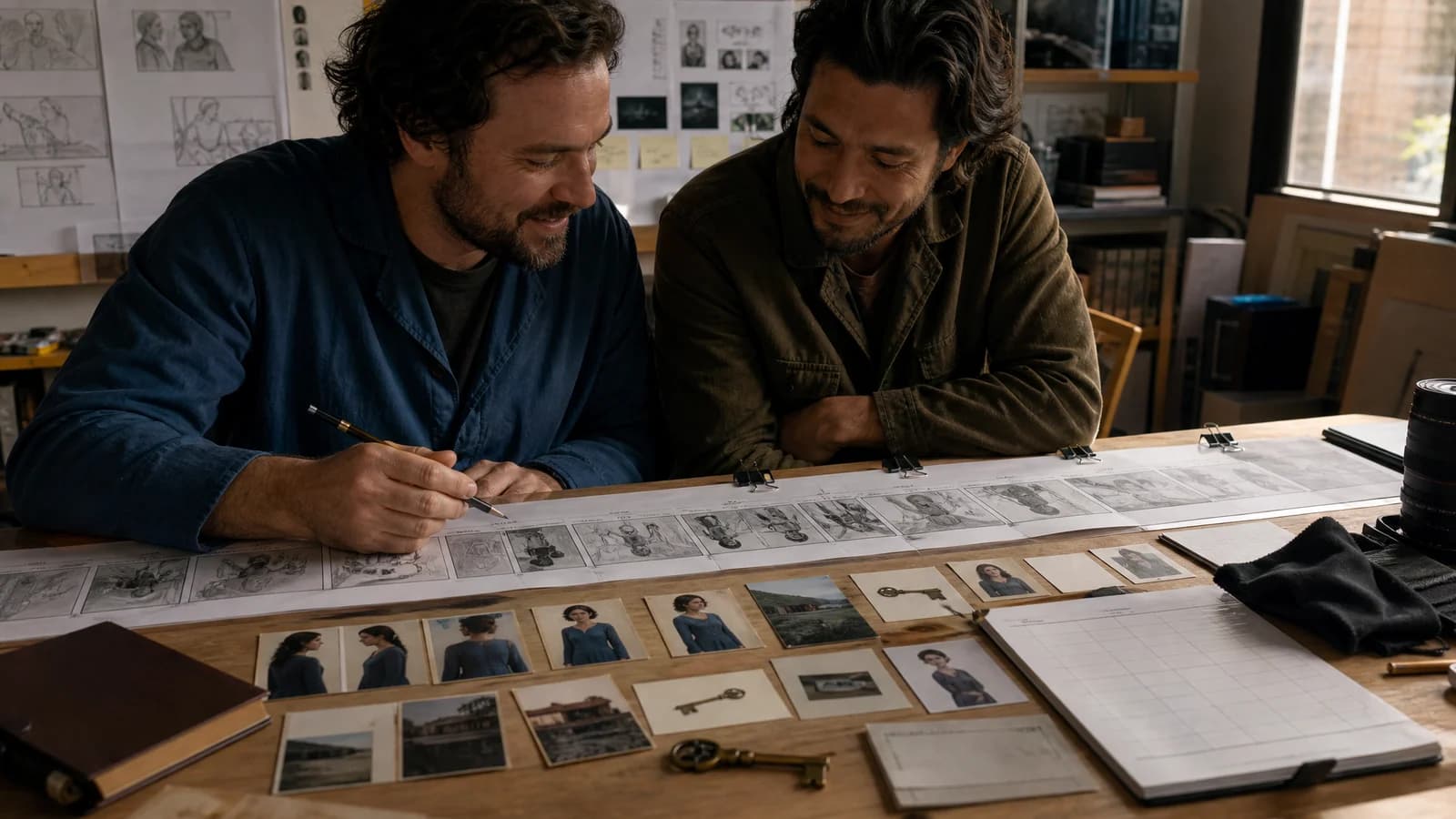
Create a small reference kit for each recurring element:
- Character: front, profile and full-body views; core wardrobe; one or two expressions.
- Location: wide orientation, important angles, light sources, palette and fixed architecture.
- Prop: shape, color, scale, wear and the hand or pocket carrying it.
- Camera language: preferred aspect ratio, shot families, movement rules and visual “never” list.
For our aquarium scene, the yellow raincoat, brass key and blue maintenance light are not decorative details. They are continuity handles. Reusing them gives both the model and the human reviewer something concrete to track.
Adobe’s current tutorial recommends anchoring a sequence with a starting style image and using earlier generated results as sources for later panels to help maintain characters (Adobe Learn). The interface will change. The principle is portable: every new frame should inherit evidence from the approved world, not rely on memory hidden inside a paragraph.
Create a continuity table beside the board:
| Element | Locked state | Change allowed? |
|---|---|---|
| Mara’s coat | Dry, dark green | Becomes wet after sprinkler beat only |
| Brother’s coat | Yellow, hood down | No |
| Brass key | In mouth, then right hand | Yes, tracked by shot |
| Service door | Closed, background right | Opens through final two shots |
| Screen direction | Mara moves left to right | Change only after a neutral reset |
When a generated frame violates the table, reject or repair it. Do not rewrite the continuity history because the mistake has excellent lighting.
7. Make the second pass about performance and cause
Photorealism is not performance. A face with pores can still express nothing useful.
For each frame, name the playable beat:
- conceals panic;
- tests whether she noticed;
- decides to lie;
- realizes the exit is blocked; or
- warns him without looking at the door.
Then ask whether posture, gaze, distance and framing convey it. “Worried” is a mood. “Keeps smiling while sliding the key behind his back” is behavior.
The board should also preserve cause and effect. If Mara sees the footprint in Shot 2, Shot 3 must show the consequence of seeing it—not reset her to neutral because the generation looked cleaner that way. Emotional continuity matters as much as wardrobe continuity.
This is where the screenplay may ask for a rewrite. If you cannot generate or sketch a clear visual consequence, the action line may be naming an internal realization with no screen behavior. Fixing that on the page improves every production method, AI or otherwise.
8. Turn the storyboard into an animatic
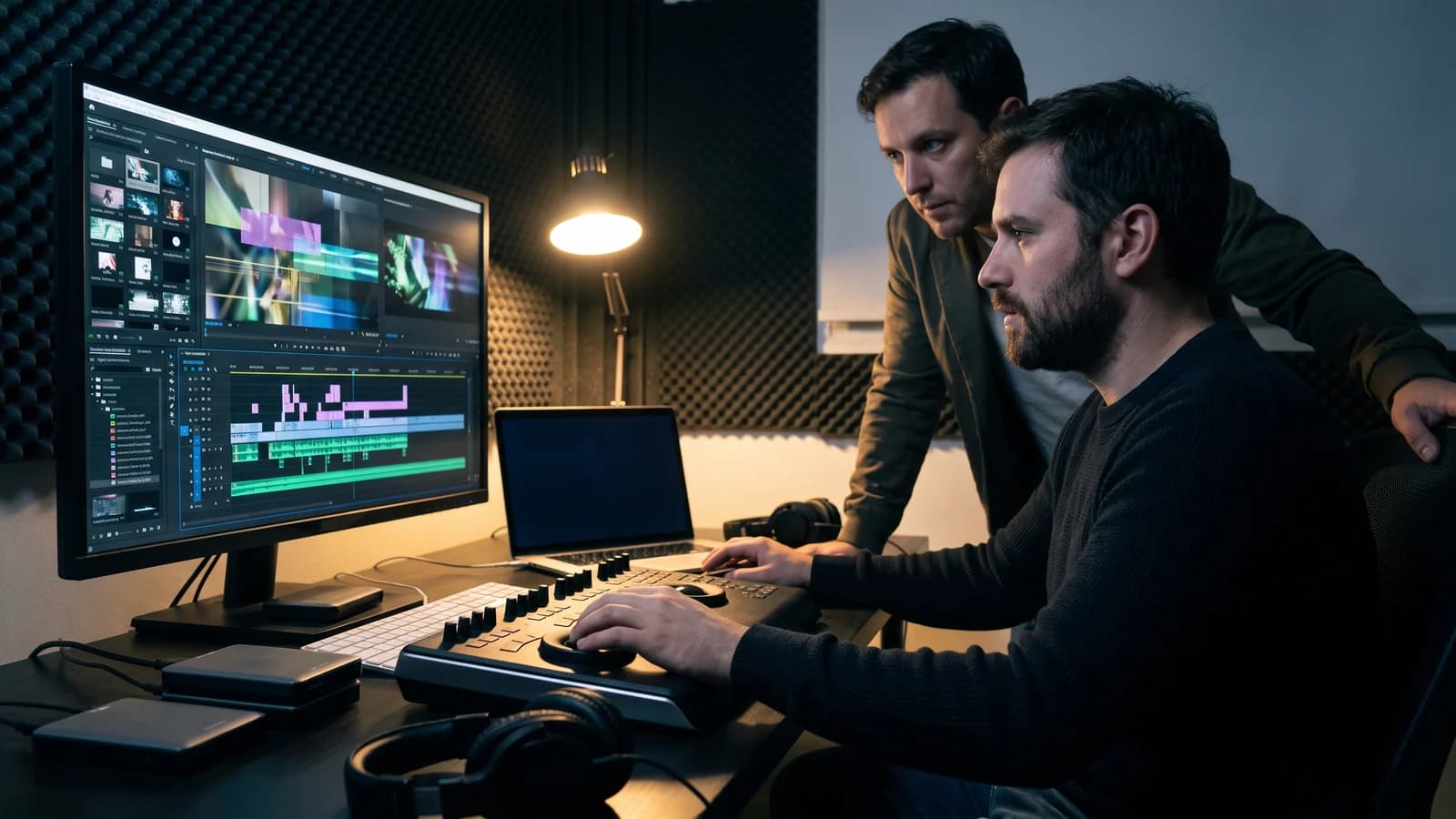
Put the panels in an editing timeline. Add rough dialogue, temporary sound and honest durations. No motion is required yet.
Watch it once without stopping and record only the moments when you become confused, impatient or emotionally ahead of the scene. Then diagnose:
| Symptom | Likely problem | Cheapest repair |
|---|---|---|
| The reveal feels obvious | Information arrives too early | Reframe or reorder panels |
| The scene drags | Repeated shot value | Remove a panel or shorten holds |
| The threat feels random | Missing cause or geography | Add one setup detail earlier |
| The characters feel flat | No playable behavior | Rewrite the action or reaction beat |
| The cuts feel chaotic | Scale and direction jump arbitrarily | Add a neutral angle or simplify coverage |
| The sequence feels generic | Frames express objects, not point of view | Choose who controls each shot |
Do not animate every panel to “make it cinematic.” Camera movement is a decision, not a screensaver setting. Adobe’s storyboarding material notes how frame order and changes in shot scale push emotion; its current Boards tutorial also demonstrates turning a selected panel into a motion preview with explicit camera direction (Adobe storyboarding guide, Adobe Learn).
If the still-frame cut works, motion can deepen it. If the cut does not work, motion usually helps the failure arrive with greater confidence.
9. Convert approved panels into a production plan
Now promote each useful frame into a shot-list row.
Add:
- scene and shot number;
- setup and shot size;
- camera position and movement;
- performer action;
- dialogue or sound cue;
- required cast, prop, wardrobe and location state;
- practical, VFX or AI-generation method;
- estimated setup or generation difficulty; and
- status: planned, tested, approved or cut.
The storyboard stays in narrative order. The shooting schedule probably will not. A crew may capture all angles from one lighting setup together. An AI filmmaker may batch shots using the same character and location references. Either way, the shot list connects the emotional movie to the practical work.
For a broader pipeline from board to generated footage, continue with our screenplay-to-AI-film workflow. It covers visual bibles, performance, sound, editing and selective regeneration after the board is locked.
The 12-shot test before you board the whole screenplay
Choose one 60-to-90-second sequence and cap the first serious board at 12 shots.
Include:
- one establishing or orienting image;
- one prop interaction;
- one clear change in screen direction or position;
- one close performance beat;
- one two-person composition;
- one reveal; and
- one sound cue that changes how an image reads.
This tiny test will expose the real constraints: character consistency, hand-object interaction, spatial logic, emotional specificity and whether your prompts produce editable coverage. It will also reveal your own habits. Perhaps every frame is a medium-wide. Perhaps every dramatic moment arrives in a symmetrical close-up. Perhaps the tool is not the one afraid to move the camera.
Do not expand until another person can watch the animatic and accurately describe:
- where everyone is;
- what each character wants;
- what changed; and
- which image mattered most.
That is a more meaningful milestone than “generated 214 panels.”
Protect the screenplay and preserve human authorship
Before uploading a screenplay, reference image, performer likeness or commissioned material, read the service’s current terms and your own contracts. Check retention, model-training choices, sharing defaults, deletion controls and whether you have permission to use every reference. A feature existing in a product is not the same as your project having the rights to use it.
For writers working under the WGA agreement, the Guild says AI use during writing services is a choice the writer may make only with company consent and subject to applicable company policy; a company cannot require the writer to use it (WGA AI guidance). If the screenplay is optioned, commissioned or covered by another agreement, ask the relevant representative or attorney what that contract allows. This article is a workflow, not legal advice.
Preserve your human decisions as carefully as the images:
- dated screenplay drafts;
- beat breakdowns and shot cards;
- reference rights and releases;
- prompts, model names and generation dates;
- rejected and selected frames;
- animatic versions;
- notes explaining editorial choices; and
- the final shot list and edit history.
The U.S. Copyright Office says AI-assisted work can qualify for protection when a human contributes sufficient expressive authorship, while prompts alone generally do not supply that control (U.S. Copyright Office). Your selection, arrangement, rewriting, performance, editing and modification are not administrative debris. They are the creative trail.
Common AI storyboard mistakes
Starting with the whole feature
Volume hides diagnosis. Test one demanding sequence, learn the system and expand only after the workflow survives.
Prompting prose instead of shots
A screenplay passage may contain several actions and emotional turns. Translate it into one visible job per planned frame.
Polishing before cutting
The most painful frame to remove is the one that consumed 40 attempts. Decide whether the shot belongs before making the eyelashes magnificent.
Treating continuity as one giant prompt
Long descriptions drift. Use approved reference images and a short continuity table for wardrobe, props, geography and story state.
Letting the generator choose coverage
Automatic breakdowns can suggest options, but the director still decides what the audience sees, when they see it and whose experience controls the scene.
Confusing a board with proof that the scene works
A board can visualize weak motivation with astonishing beauty. Test cause and effect, not just composition.
The final AI storyboard checklist
Before you approve the sequence, ask:
- Can someone follow it without reading your captions?
- Does each panel add information, emotion or a deliberate change of scale?
- Are eyelines, screen direction and important props coherent?
- Does every shot have an exit condition?
- Are character behavior and emotional state continuous?
- Does the animatic work at an honest pace?
- Can the planned production method actually create each shot?
- Have you checked tool terms, contracts and reference rights?
- Is the screenplay still the source of truth?
- Could you cut one more frame?
That last question is free. Ask it twice.
Make the board prove the screenplay—not distract from it
An AI storyboard generator is most powerful when it makes the invisible argument inside a scene visible. It can expose confused geography, missing reactions, repetitive coverage and production ideas that cost more than they contribute. It can also give a writer who cannot draw a fast, shared language for talking with directors, cinematographers and collaborators.
But the board is a rehearsal for the movie. It is not an alibi for the draft.
Before generating a hundred frames, make sure the scene has a protagonist with a goal, an obstacle that applies pressure and a turn that changes what happens next. AI Script Coverage Pro can help you examine character agency, structure and pacing while those problems still cost keystrokes instead of new panels.
Create a free account, receive one welcome credit and use it for one free Quick Analysis. Then take the strongest rewritten scene through the 12-shot test. Make every frame earn the cut—and make the sequence feel like your movie, not the generator’s demo reel.
Sources
- Free Online AI Storyboard Generator — AdobeAccessed 2026-08-11
- Storyboard a Commercial Concept Video in Firefly Boards — AdobeAccessed 2026-08-11
- About Firefly Boards — AdobeAccessed 2026-08-11
- How to Get Started on Storyboarding — AdobeAccessed 2026-08-11
- Shot List vs Storyboard — And Why You Need Both — StudioBinderAccessed 2026-08-11
- Copyright Office Releases Part 2 of Artificial Intelligence Report — U.S. Copyright OfficeAccessed 2026-08-11
- Artificial Intelligence: Know Your Rights — Writers Guild of America WestAccessed 2026-08-11