Tools & Technology · workflow guide
How to Turn a Screenplay Into an AI Film: The Shot-by-Shot Workflow
Turn a screenplay into an AI film with a practical workflow for script breakdown, storyboards, consistent characters, generated shots, sound, and editing.
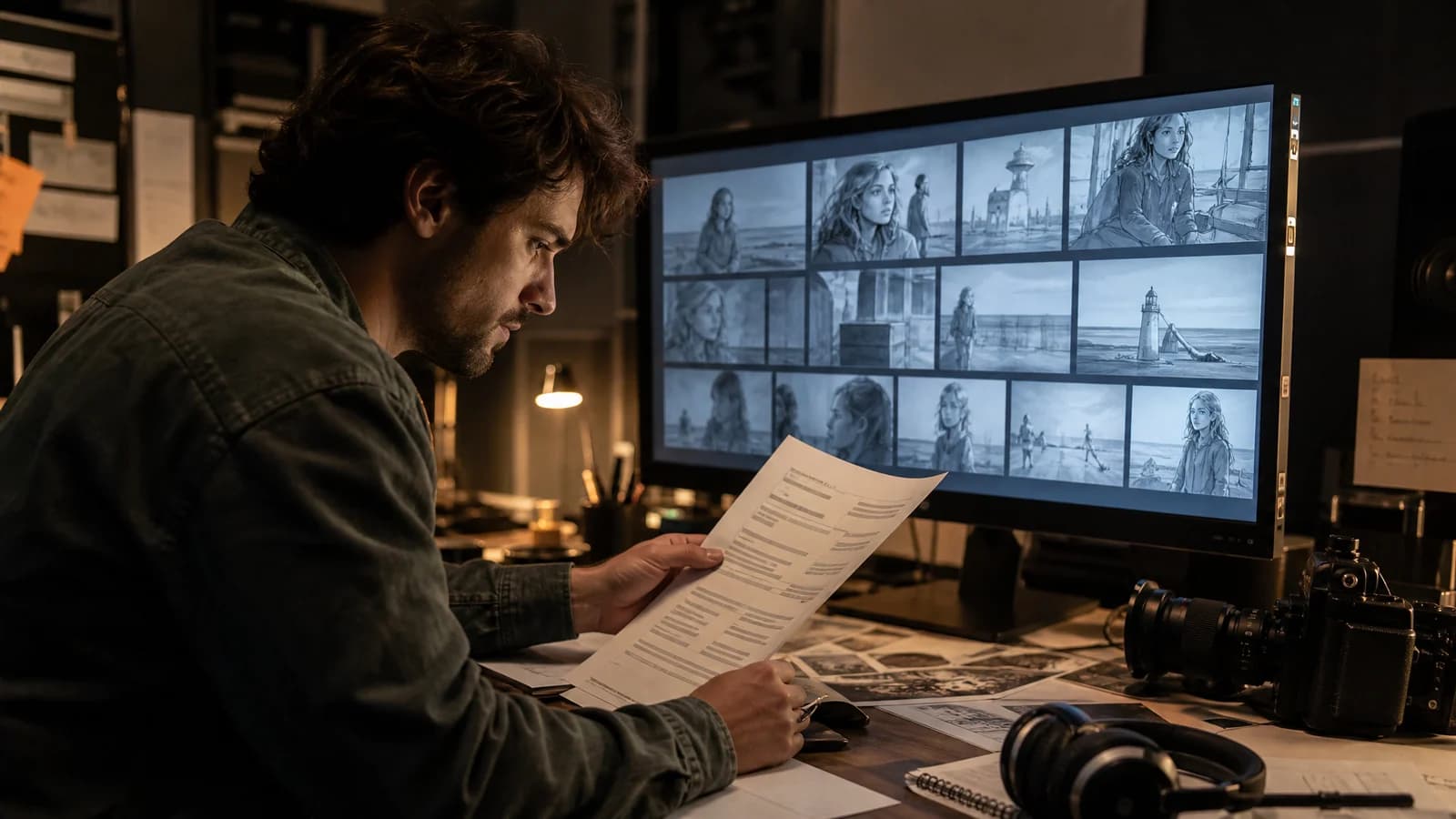
The dream is dangerously simple: drop in a screenplay, press a glowing button and return after lunch to find your movie finished, color-graded and emotionally devastating.
The real workflow is less magical—and much more useful. To turn a screenplay into an AI film, break the script into story beats and individual shots, build reusable character and location references, approve a storyboard and animatic, generate short clips shot by shot, then edit, perform, mix and revise them like a filmmaker. The screenplay remains the source of truth. AI video is the footage department, not the director.
That distinction is the difference between a film and 73 expensive screensavers.
The short version: screenplay to AI film in eight steps
- Lock the story before generating footage.
- Choose one sequence that proves the idea.
- Convert scenes into a shot list.
- Build a visual bible for characters and locations.
- Storyboard, time and revise an animatic.
- Generate shots in small, controlled batches.
- Record or direct performance, dialogue and sound.
- Edit the movie, test the story and regenerate only what fails.
Current filmmaking tools increasingly support this modular approach. Google’s Flow updates describe combining image references, turning still frames into video, extending clips and directing camera moves. Runway’s own long-form filmmaking guide starts with planned shots and ends in an editing timeline. Nobody serious is pretending a feature screenplay is one prompt.
1. Lock the story before you start spending generations
AI filmmaking makes weak scenes look expensive. This is not the same as making them work.
Before generating a frame, give the screenplay a production-minded pass. Can you state what changes in every scene? Does the protagonist cause events, or merely attend them? Are the visual beats carrying information that dialogue currently explains twice? A generated rainstorm, impossible city or photoreal dragon cannot repair an Act Two with no escalation.
Start with a clean screenplay format, then identify the draft problem with the biggest shadow. If you already know the ending does not land, solve it on the page. Pixels are a spectacularly inefficient substitute for rewriting.
Create a one-page story map with:
- the protagonist’s goal;
- the emotional turn in each sequence;
- the information the audience gains;
- the image or action that makes each turn visible; and
- anything the film must establish early to pay off later.
This is your defense against “prompt drift,” the moment when a gorgeous generated possibility seduces the project away from its actual story.
2. Make a proof sequence, not a fake feature
Do not begin by promising yourself a 104-minute AI epic. Choose 60 to 180 seconds that contains the movie’s DNA: a decision, a reversal, a distinctive location and at least one performance beat.
A good proof sequence answers practical questions fast. Can your main character remain recognizable from wide shot to close-up? Can the visual style survive daylight and night? Does dialogue feel alive? Can your chosen pipeline produce the action your screenplay needs without turning every hand into avant-garde sculpture?
The sequence should also stand on its own. A stranger ought to understand who wants what and feel some change by the end. If the test works, expand outward. If it fails, you have learned something for the price of two minutes instead of a mortgage-sized pile of unusable clips.
3. Translate scenes into shots the model can actually make
A screenplay describes audience experience. A generation prompt describes one piece of footage. Those are related documents, but they are not interchangeable.
Take a simple scene:
INT. DINER - NIGHT

Nia slides the untouched pie toward her brother. He sees the motel key beneath it.
That might become four shots:
- Wide: nearly empty roadside diner, siblings opposite each other, midnight rain outside.
- Insert: Nia’s hand pushes the pie plate; a brass key emerges.
- Close-up: her brother recognizes it and tries not to react.
- Reverse: Nia watches him, already certain he understands.
Now each generation has one framing, one primary action and one emotional job. That is far easier to control than asking a model to stage the entire exchange, preserve geography, reveal the key at the perfect instant and deliver two nuanced performances in one go.
For every planned shot, record:
| Field | The useful question |
|---|---|
| Story beat | What changes because this shot exists? |
| Duration | How many seconds does the edit truly need? |
| Framing | Wide, medium, close-up, insert or point of view? |
| Action | What single visible action happens? |
| Emotion | What should we read on the character? |
| Continuity | Wardrobe, prop, screen direction, weather, damage? |
| Audio | Dialogue, room tone, effect, music or silence? |
| Source rights | Do you own or have permission for every reference? |
This shot ledger becomes the production spine. It tracks what is approved, what needs another pass and which shiny accident is trying to rewrite your movie.
4. Build the visual bible before the first “real” shot
Continuity rarely arrives because you asked nicely. You have to manufacture it.
Create reference plates for each principal character: neutral front, profile and full-body views; core wardrobe; meaningful props; and any story-state changes such as wet clothes, bruises or a different haircut. Do the same for recurring locations, including their layout, palette, light sources and several useful angles.
Runway specifically recommends character plates because a single image does not tell a model what a person looks like from every direction. Google’s filmmaking tools likewise let creators combine and reuse image references as ingredients for shots. The product labels will change. The production principle will not: decide the world once, then reuse the evidence.
Your visual bible can include:
- character turnarounds and expression tests;
- wardrobe and prop continuity;
- environment plates from multiple angles;
- a restrained color palette;
- lens and camera-language examples;
- rules for texture, lighting and movement; and
- a “never” list for visual clichés that do not belong in this film.
Name and version everything. “Nia-coat-rain-v03” is boring right up until it saves six hours.
5. Storyboard and time an animatic before generating video
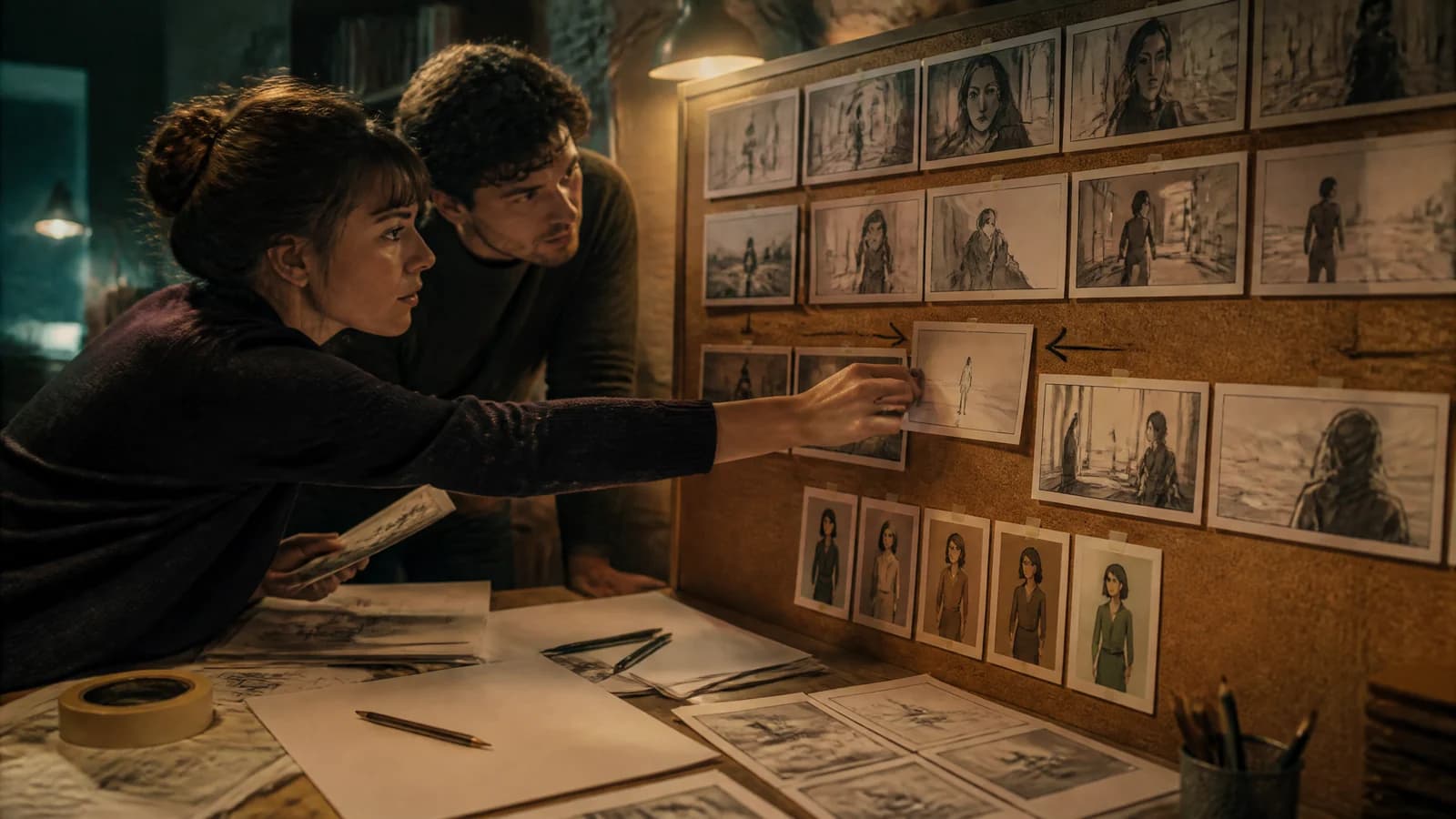
Lay one still image into the timeline for every shot. Add temporary dialogue, rough sound and enough duration to feel the cut. Congratulations: you now have the cheapest bad version of your movie—the most valuable version to possess.
Watch it without stopping. Is the geography clear? Does the reveal happen before the audience needs it? Are five shots performing one shot’s job? If the scene drags as still frames, motion will not rescue it.
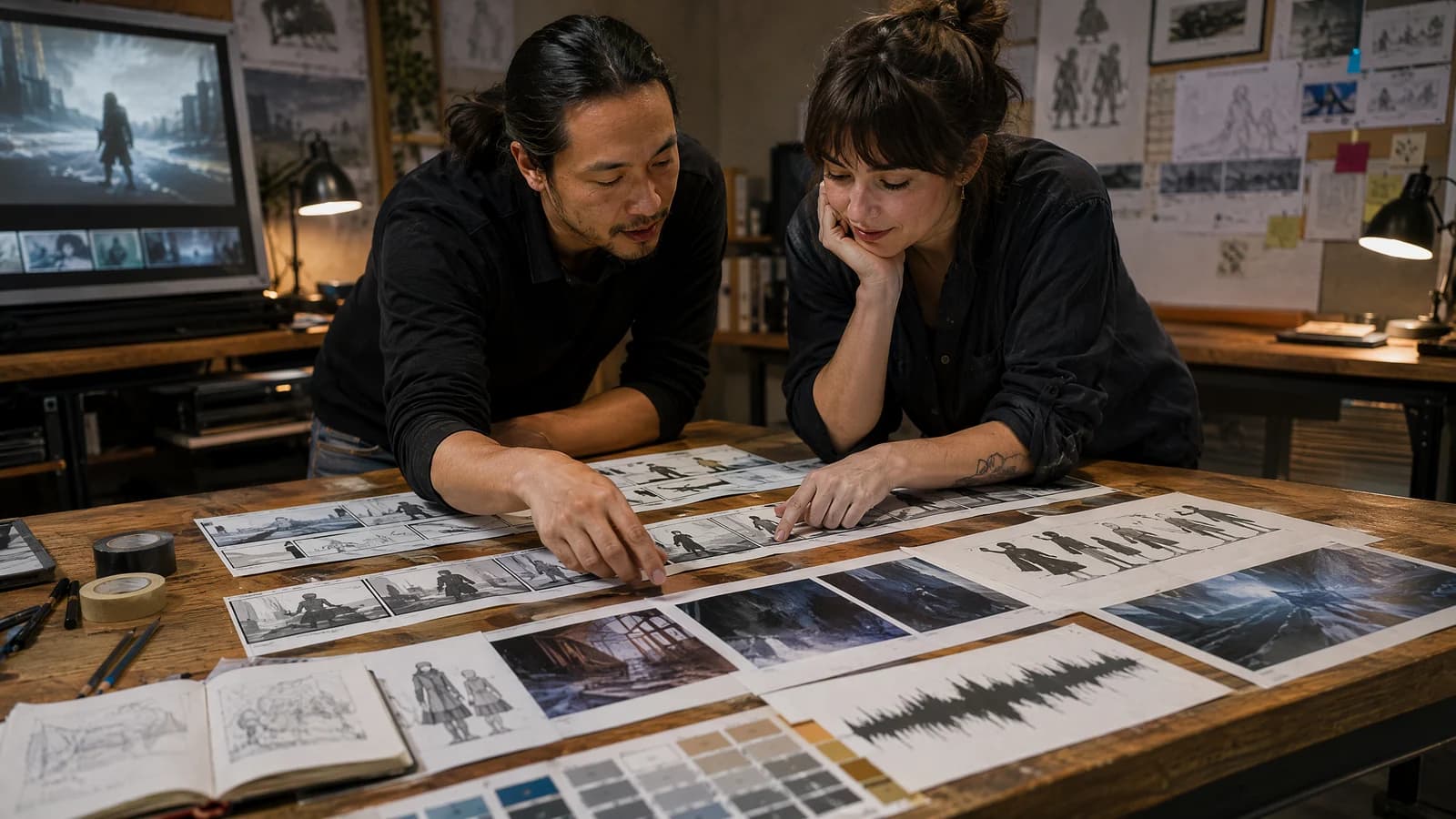
Revise the animatic until the sequence works in ugly form. Lock frame order and approximate timing. Only then promote storyboard frames into video references. Adobe’s current video generation workflow supports explicit framing, camera movement and composition references; other tools expose similar controls in different wrappers.
The animatic also gives you a budget. If the cut needs 22 shots, you can estimate several attempts per shot and reserve extra generations for faces, hands, dialogue and transitions. “Generate until it feels cinematic” is not a budget. It is a cry for help.
6. Generate in batches—and judge the cut, not the clip
Generate a small family of related shots while their references, lighting and continuity details are fresh. Start with the shots carrying the most story risk: close performance, prop interaction, multi-character geography or a transformation. Do not burn half the budget perfecting an establishing shot while the climactic embrace remains theoretical.
Use a repeatable prompt order:
Subject + visible action + environment + framing + camera movement + light + emotional tone + continuity constraints
Keep one primary action per clip. When a shot misbehaves, change one variable at a time. Save the seed and settings when your tool exposes them. Log every approved take in the shot ledger.
Most importantly, put candidates into the timeline immediately. A beautiful eight-second shot may be wrong for a two-second reaction. A slightly imperfect take may cut wonderfully because the audience sees it between the right setup and payoff. Cinema happens between shots; your generation gallery will never tell you that.
7. Direct performance and sound as separate creative work
Silent montage is the easy level. Conversation is where the machinery starts throwing chairs.
Record dialogue before final picture when possible. Real timing gives you breaths, interruptions and emotional turns to cut around. For performance-transfer workflows, use recordings made with informed permission and spell out how voice, face and motion may be transformed.
Runway’s official multi-character dialogue workflow separates performances and recombines them in the edit—an instructive reminder that even a single conversation may require several controlled passes. SAG-AFTRA’s position on digital simulation is equally clear about the human side: use of a performer’s voice, likeness or performance requires consent and negotiated compensation.
Then build the world with sound. Room tone glues mismatched visuals together. A chair scrape sells weight. An off-screen siren expands a location you never generated. Music can create momentum, but it cannot clarify a missing objective.
Use assets you own or have licensed. Keep releases, model terms, reference provenance and music licenses with the project files. “The tool let me upload it” is not a chain of title.
8. Edit like a filmmaker, then regenerate like a surgeon
Your first assembly should be fast and unsentimental. Place the best available take of every shot. Watch for story, then performance, then continuity, then polish—in that order.
When something fails, diagnose it precisely:
- Story failure: rewrite or remove the beat.
- Performance failure: use a better take, timing or driving performance.
- Continuity failure: strengthen references or hide the mismatch with coverage.
- Physics failure: simplify the action, shoot an insert or use conventional footage.
- Pacing failure: trim before generating anything new.
Regenerate only the shots that survive this diagnosis. The cheapest generation is the one your edit proves you never needed.
Runway recommends assembling clips in narrative order and reviewing longer work in manageable sections. Google introduced Flow as an AI filmmaking environment shaped with filmmakers, but even its own examples combine AI with other tools and techniques. The edit remains where fragments become intention.
Keep the human authorship—and the receipts
AI filmmaking is not a legal invisibility cloak. Before uploading a commissioned or optioned screenplay, check the contract, employer policy and tool terms. The WGA says a writer working under its agreement may choose to use AI when the company consents and policies are followed, while the company cannot require that use.
Human creative control matters beyond employment. The U.S. Copyright Office says AI-assisted work can be protected, but generative output requires sufficient human-authored expression; prompts alone are not enough. That makes your screenplay, shot choices, performances, edits, compositing, sound design and selective revisions creatively important—and worth documenting.
Awards rules are evolving too. For the 99th Oscars, the Academy says screenplays in the writing categories must be human-authored, and it may ask for more information about generative AI use and human authorship.
So keep a plain production log: original screenplay versions, rights and releases, source references, tool and model used, generation dates, selected takes and the human work applied after generation. This is not glamorous. Neither is backing up a drive, until the drive dies.
The pre-export AI film checklist
Before you call the short finished, ask:
- Can a new viewer state who wants what?
- Does every shot earn its time?
- Are characters, props and screen direction consistent enough to avoid distraction?
- Do dialogue and reactions feel performed rather than merely synchronized?
- Are voices, faces, music, footage and reference images cleared?
- Have you preserved the human-written screenplay and documented the creative process?
- Does the sound mix work on headphones and ordinary speakers?
- Did you watch the export from beginning to end without touching the timeline?
Then show it to people who do not know what you meant. Ask where attention drifted, what confused them and which moment they remembered. Do not explain the movie before they answer. You will want to. Sit on your hands.
The screenplay is still the cheapest place to make the movie better
The craft has new machinery, but the hierarchy is familiar. Story before shots. Shots before spectacle. Performance before polish. Edit before regeneration.
If the screenplay is solid, AI tools can help a small team test visual ideas, build an ambitious proof of concept or finish a stylized short that once lived beyond its production reach. If the screenplay is mush, the same tools can produce extremely handsome mush at 24 frames per second.
Before converting the whole draft into a shot ledger, run the screenplay mistakes checklist and make sure the structural engine is ready to carry the images. For a faster outside read, create a free account. Your one welcome credit can be used for one free Quick Analysis, giving you structured feedback on character, structure and pacing while changes still cost keystrokes instead of regenerated scenes.
The button is not the breakthrough. The breakthrough is knowing exactly what movie you are asking it to help you make.
Sources
- Introducing Flow: Google’s AI Filmmaking Tool Designed for Veo — GoogleAccessed 2026-07-20
- Flow Updates: New Changes to Google AI Video Editing Tool — GoogleAccessed 2026-07-20
- How to Create Longer Videos and Films — RunwayAccessed 2026-07-20
- Creating Multi-Character Dialogues with Act-Two — RunwayAccessed 2026-07-20
- Generate Videos Using Text Prompts — AdobeAccessed 2026-07-20
- Copyright Office Releases Part 2 of Artificial Intelligence Report — U.S. Copyright OfficeAccessed 2026-07-20
- Artificial Intelligence: Know Your Rights — Writers Guild of America WestAccessed 2026-07-20
- Awards Rules Approved for 99th Oscars — Academy of Motion Picture Arts and SciencesAccessed 2026-07-20
- Statement on Artificial Intelligence and Digital Doubles — SAG-AFTRAAccessed 2026-07-20